Booking and customer records for UK barbershops
Keep cuts, beard appointments and customer preferences in one diary. Let regulars book through your QR or link while you focus on the chair.
klienti.pro — UK barbershops
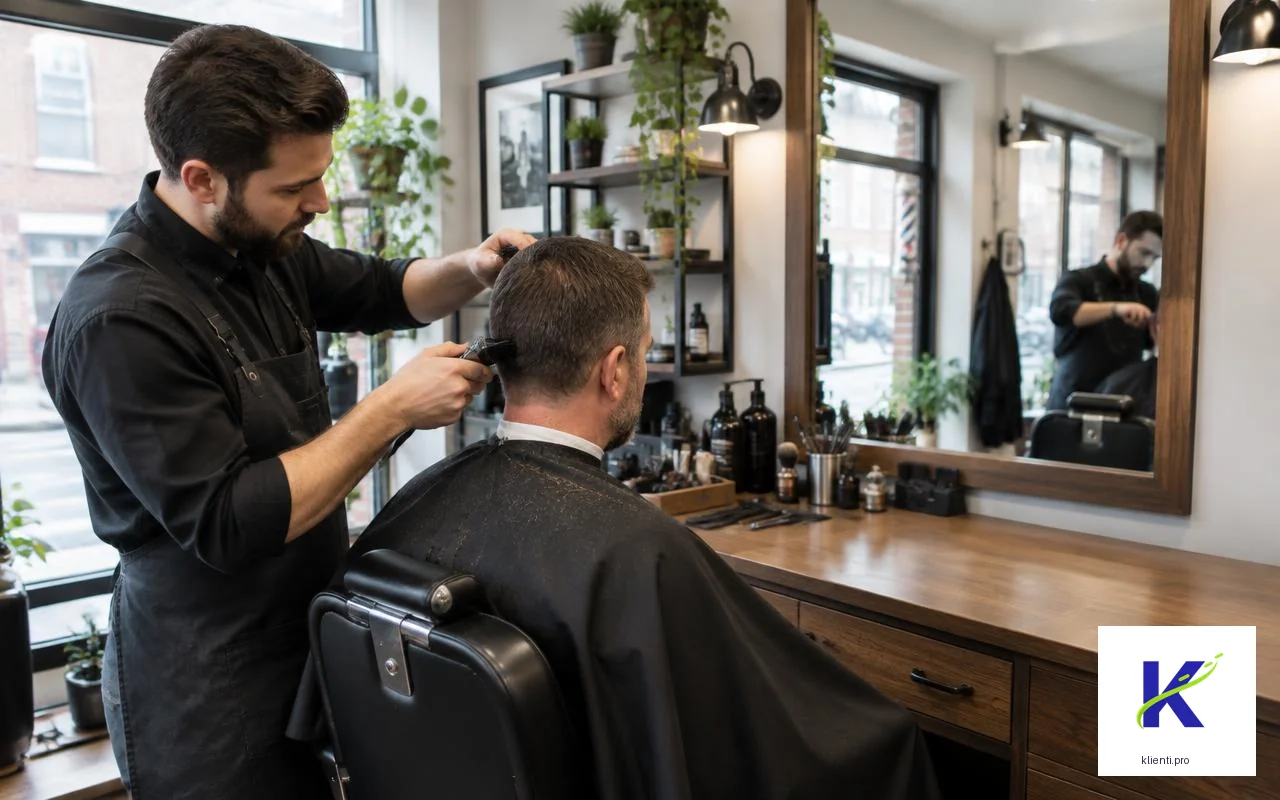
klienti.pro gives independent UK barbers a customer list and booking diary without turning the shop into a marketplace. Create separate services for a skin fade, beard trim or combined visit, set realistic durations and protect breaks. A QR at the mirror can lead to customer registration; a separate booking QR lets regulars choose an available time. Keep preferred cuts in editable fields and review who to contact yourself.
- Calls interrupt a cut
- Walk-ins and booked visits compete for the same time
- Regulars’ cut preferences disappear in paper notes
Create your QR
Create your workspace and profession-ready QR.
Put it where customers see it
Use it at the counter or online.
Customers scan or book
Customers leave their details or request a booking.
Manage every return
Keep appointments, details and follow-ups together.
Skin fade
Set enough time for the fade and finishing work.
Beard trim
Offer a shorter appointment without using a full haircut slot.
Cut and beard
Give a combined visit its own duration and price.
Children’s haircut
Keep a separate service for younger customers.
A Saturday diary with room for walk-ins
Before opening, block time for walk-ins and a lunch break. A regular books a cut and beard through the shop link; the occupied time is no longer offered online. Another customer scans the registration QR after a fade. At closing, review the next day and export appointments as .ics. This is an illustrative workflow, not a claim about measured results.
FAQ
Can I keep walk-ins alongside online haircut bookings?
Yes. Reserve walk-in time with manual blocks or narrower online opening hours. Only the remaining available slots are offered through the booking link.
Can skin fades and beard trims have different lengths?
Yes. Set each service’s duration and price, then adjust the diary to fit the work you actually accept.
Where should I put the barber shop QR?
Place the registration QR near the mirror or till to collect customer details. Use the separate booking QR or link for appointments; customers need no app.
Can I save a regular’s preferred haircut?
Yes. Use an editable customer field for cut preferences and update the record after the visit. The barber remains responsible for keeping notes relevant.
Does it automatically book a particular barber or chair?
No dedicated multi-chair or staff assignment is promised. Configure availability around the capacity you can reliably accept and use manual confirmation where needed.
Can I export my barber diary?
Yes. Export appointments as a .ics file. This is a file export, not continuous Google or Outlook synchronisation.